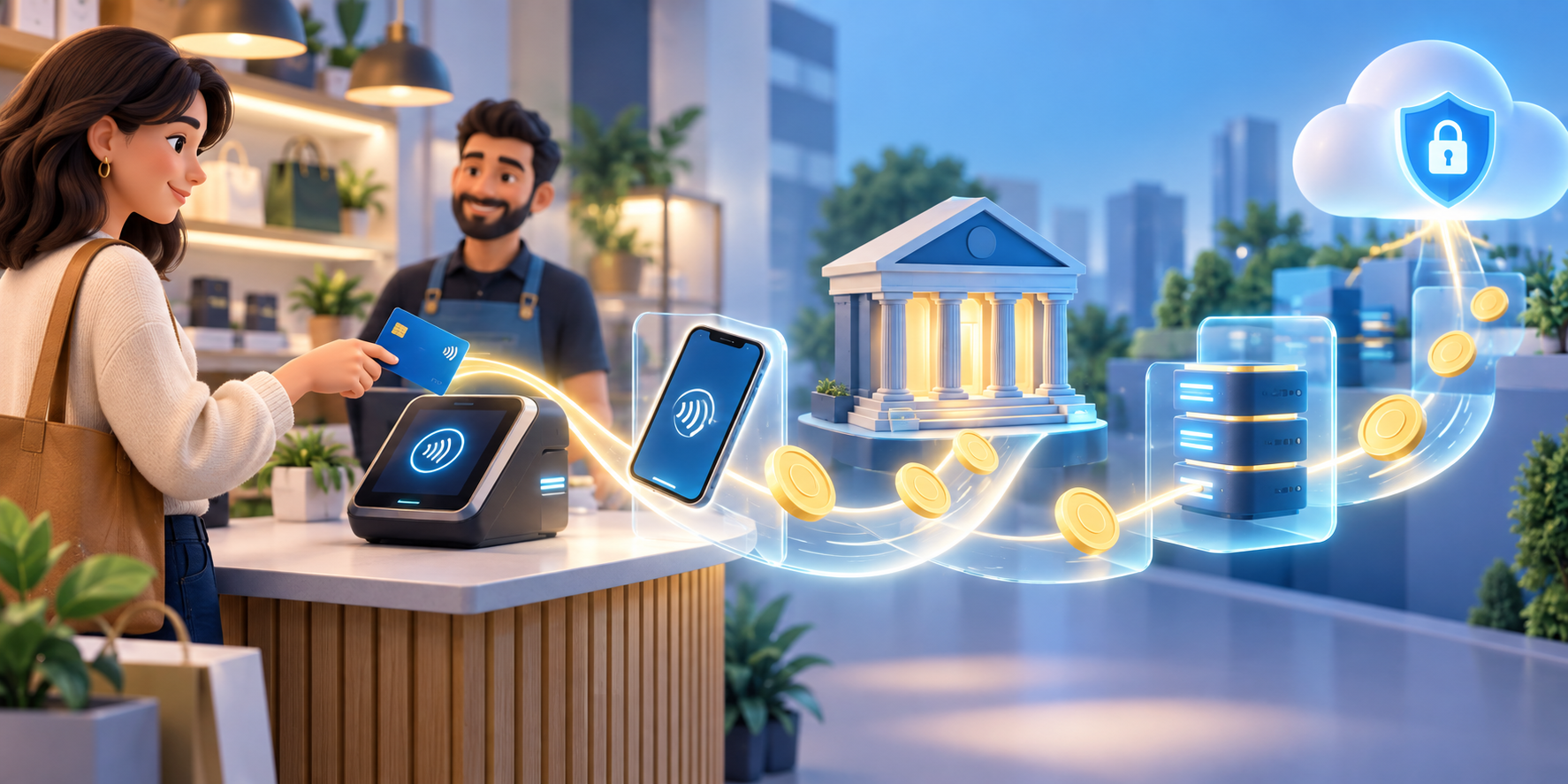
A tap at a checkout can feel like money has jumped straight from your phone to the shop. In reality, the tap starts a chain of instructions, checks, and records. Understanding that chain helps explain why payments can be fast, why a transaction can be declined, and why the balance in your account changes after the purchase.
The details vary between countries and payment providers, but the basic idea is consistent: a payment is a transfer of money in exchange for a good or service.
Step one: choose a payment instrument
You begin with a payment instrument, such as a debit card, bank payment, or mobile wallet. The instrument is the way you tell the system which account or balance should be used. It is not the same thing as the money itself; it is a way to give an instruction.
Step two: the shop accepts the instruction
The merchant uses a terminal or payment gateway to receive the instruction. A physical terminal reads the tap, while an online gateway collects payment details through a digital checkout. The merchant’s system sends the request into the payment network.
Step three: authorisation checks the request
Your bank or payment provider checks whether the instruction can be approved. It may check the account balance, security signals, limits, and whether the transaction appears valid. If the request is declined, the payment has not completed even though you may have seen a message on the terminal.
Step four: clearing prepares the transaction
After authorisation, clearing passes the transaction information between the relevant institutions. The payment network, your bank, and the merchant’s bank need to agree on what happened and how the transaction should be processed. This is one reason a payment can show as pending before it is final.
Step five: settlement completes the movement
Settlement is the stage where the funds are transferred and the transaction is completed in the accounts involved. The Reserve Bank of New Zealand describes the process as instruction, authorisation, clearing, and settlement, with the merchant ultimately receiving funds in its account: How do card payments work?
Why a digital payment still needs a ledger
No pile of coins moves through the air when you tap. Instead, records are updated across connected systems. Your account records a debit, the merchant’s records show a sale, and the payment system carries messages that allow the institutions to reconcile the transaction.
That is why keeping track of digital spending matters. A tap can feel less tangible than handing over cash, but it still reduces the money available for later decisions. Notifications, account statements, and a simple spending log make the invisible movement visible again.
What a tap can teach you about money
Digital payment technology makes convenience possible, but convenience is not the same as affordability. Before tapping, check the price, the account you are using, and the trade-off with your current goal. After tapping, make sure the transaction appears as expected and keep your security details private.
MoneyCQ turns this kind of invisible process into a visible decision. The ledger shows money arriving, leaving, and being reserved for different purposes. The more clearly you can see the path, the easier it is to manage the next choice.
Sources and further reading
For a deeper overview of New Zealand’s payment infrastructure, read the Reserve Bank’s payments landscape primer. Payment rules and timing can differ by country and provider.
FAQs
Does tapping move physical cash?
No. It sends an electronic instruction that results in account records and funds being transferred.
What is authorisation?
Authorisation is the check by a bank or payment provider to decide whether the payment request can be approved.
What is clearing?
Clearing is the process of passing and checking payment information between the institutions involved.
Why can a payment be pending?
A pending status can mean the transaction has been authorised but has not yet completed final processing and settlement.
Why should I watch digital spending?
Digital payments are convenient but still reduce the money available for future spending, saving, or emergencies.
What should I do if a tap is declined?
Check the account, payment method, limits, or security requirements, and use the provider’s official support channel if the problem continues.
Leave a Reply