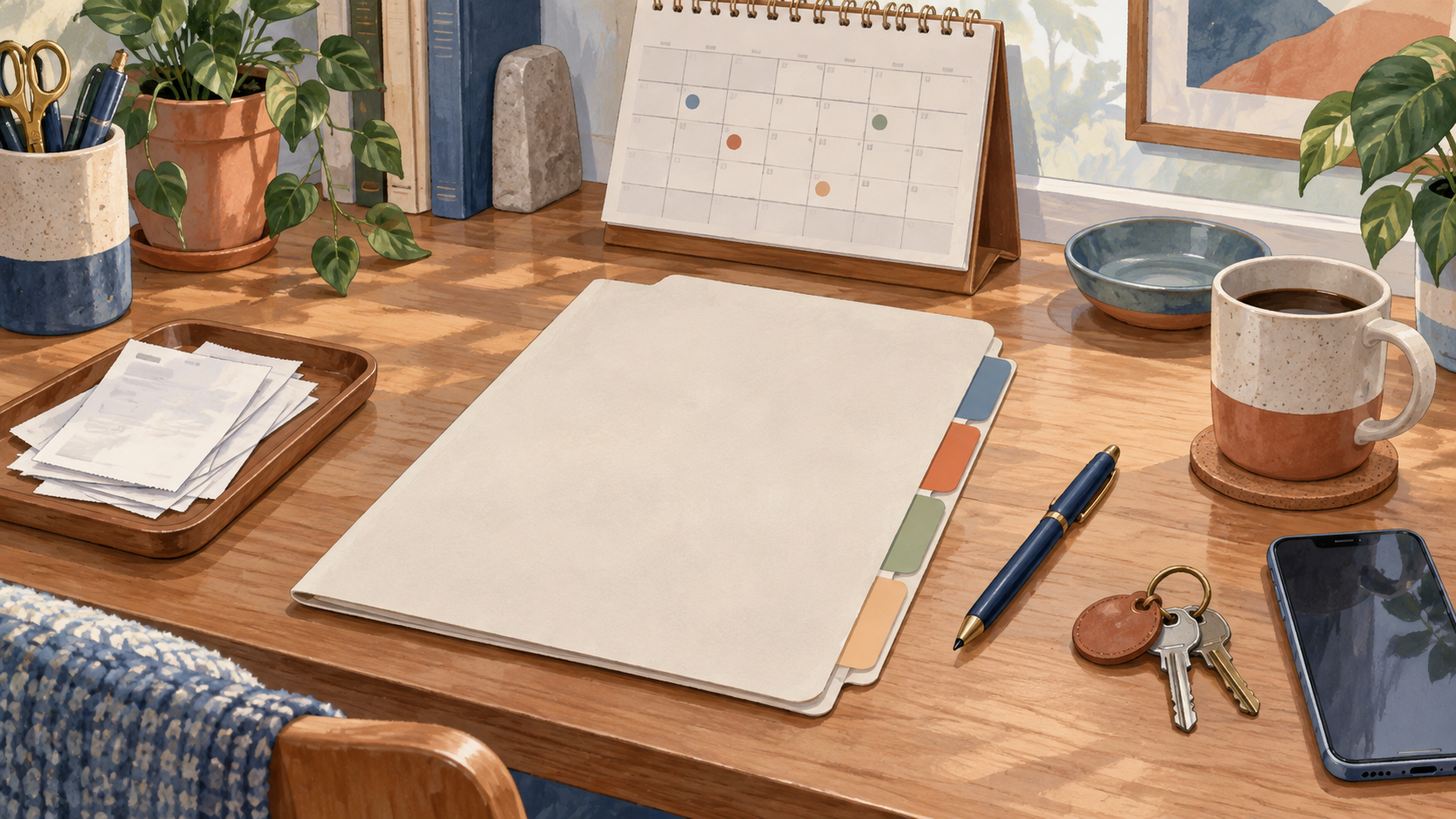
When a bill is questioned, an appliance breaks or a subscription needs cancelling, the hardest part can be finding the right detail. A small money-admin folder gives you a place for due dates, reference numbers, receipts and contact notes. It is not a second job and it should not contain passwords or unnecessary sensitive information.
Keep the folder deliberately small
Start with one page or a short digital note containing recurring payment names, due dates and the account or provider involved. Add a second section for annual costs such as insurance renewals, vehicle registration, school costs or medical appointments. Sorted’s budget guide recommends gathering day-to-day spending, annual costs, after-tax income and savings information; your folder can be the reminder system that helps you gather those details.
Keep a third section for “in progress”: a disputed charge, a return, a repair request or a payment arrangement. Write the date, organisation, what you asked for and when you expect a response. This stops you from having the same conversation repeatedly and creates a calm trail if you need to follow up.
Choose what not to store
Do not store banking passwords, one-time codes, full card details or identity documents in an ordinary notebook or shared folder. If you keep receipts, turn them face down or use a secure location. Use official password-management and device-lock features for sign-in information. Share only the details a provider needs to answer your question.
A household folder can include a list of trusted provider contact routes, but check each one from the organisation’s official website before calling. Scammers can imitate bills and customer-service messages. A saved official route is more useful than a phone number copied from an unexpected text.
Use a ten-minute weekly reset
- Check the next two weeks of due dates.
- Move completed items out of the “in progress” section.
- Add any new annual renewal or appointment.
- File or securely destroy receipts you no longer need.
- Choose one question to resolve, rather than trying to fix everything.
If you miss a week, simply restart. The folder is meant to reduce mental load, not create a new reason to feel behind. After a month, ask whether it is helping you see upcoming costs and follow up on open questions. Remove sections you never use.
Good money administration is quiet work: fewer surprises, better evidence and clearer conversations. It cannot prevent every financial problem, but it can make the next practical step easier to find.
FAQs
What belongs in a money-admin folder?
Useful items include due dates, annual costs, provider contacts, receipts and notes about open questions or disputes.
Should passwords go in the folder?
No. Keep passwords, one-time codes, full card details and identity documents out of an ordinary folder.
How often should I check it?
A short weekly check of the next two weeks is a practical starting rhythm.
What is an “in progress” note?
It records an open issue, the date you contacted someone, what you asked for and when you plan to follow up.
Should I keep every receipt forever?
No. Keep records that help with warranties, returns, disputes, tax or other real needs, and securely dispose of records you no longer need.
What if I miss a weekly check?
Restart the next time you remember. The habit is useful because it is repeatable, not because every week is perfect.
Leave a Reply