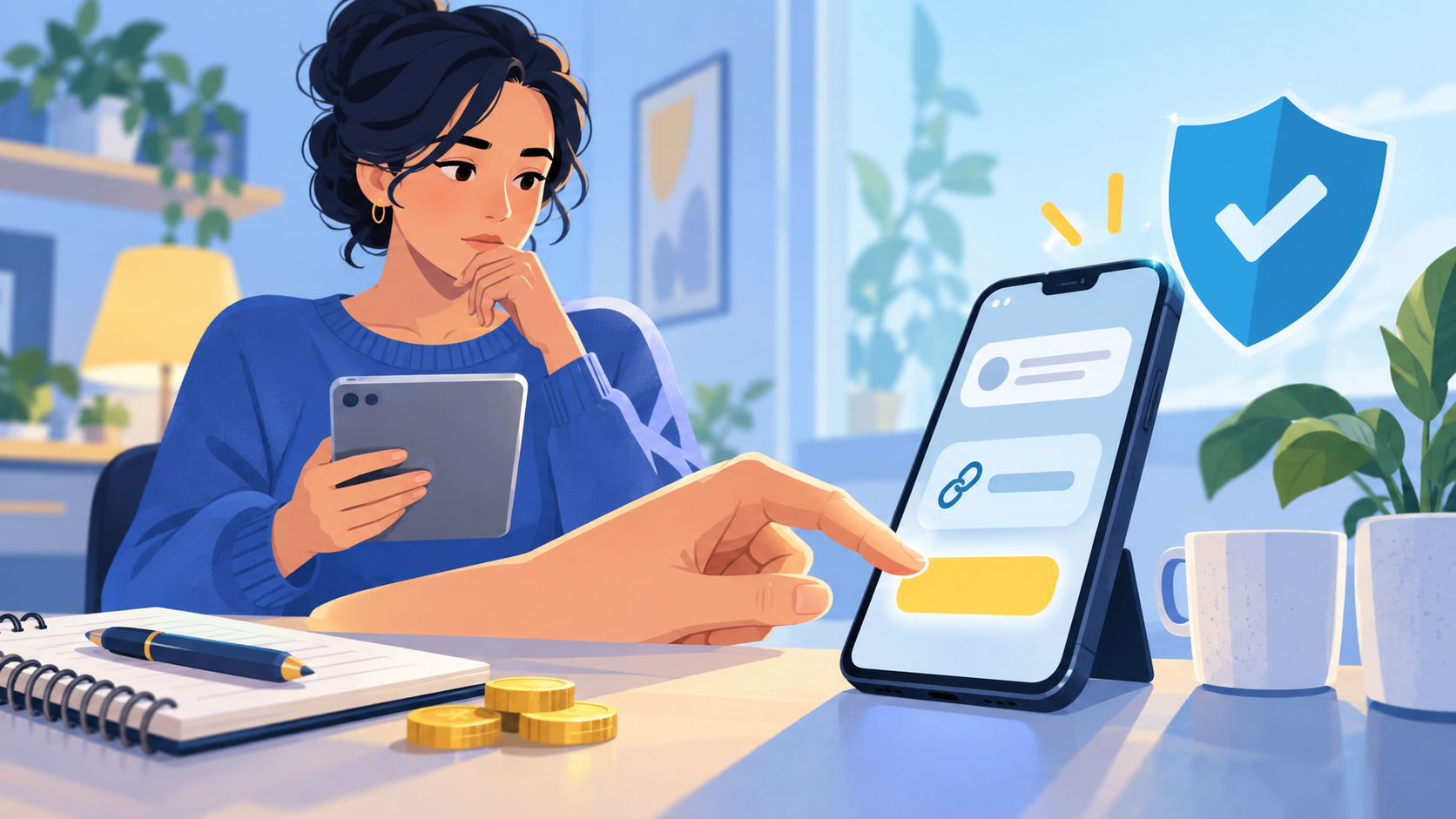
A message can make a payment feel urgent: a parcel needs a fee, an account needs verification, or a special offer expires in minutes. The safest money habit is to slow the moment down. A link can be convenient, but convenience is not proof that the message is genuine.
Netsafe describes online scams as deceptive schemes intended to steal money or personal information and lists unexpected contact as a warning sign. The Payment-Link Pause is a practice routine, not a guarantee that a message is safe.
1. Did you expect this message?
Start with the contact, not the link. Were you expecting an invoice, delivery update or account message? An unexpected message deserves a separate check, even if it uses a familiar logo or name. Do not reply with personal details just to make the message feel more real.
2. Can you verify the sender another way?
Open the organisation’s known website or app by typing the address yourself or using a saved bookmark. Use an official phone number or support route, not the contact details supplied in a surprising message. If the organisation cannot confirm the request, do not continue through the link.
3. Does the web address and request make sense?
Look at the address, spelling and page purpose before entering anything. Be cautious if a link goes to an unfamiliar domain, asks for information that does not fit the situation, or tries to install software. A secure-looking padlock is not proof that the business or message is trustworthy.
4. Is the amount and payment route clear?
Check the total, currency, payee and reason for the charge. Consumer Protection advises online shoppers to check the full cost, including delivery, fees and currency. If the amount is different from your order or invoice, pause and verify it. Never share a one-time code or password to “release” a payment.
5. Can you keep a record?
Before paying, know how you will receive a receipt and how to contact the seller. Save the confirmation and the order or invoice details. If you have already sent money and suspect a scam, stop contact and contact your bank or payment provider promptly. Netsafe and Consumer Protection can explain reporting and support routes.
Practise the pause
In a classroom or family activity, show two fictional messages: one expected and one surprising. Learners do not click either one. They identify the sender, choose an independent verification route, list the details they would check and decide what record they would keep. The goal is not to spot every scam by appearance; it is to build a repeatable pause before money or information moves.
Sources and further reading
Netsafe: Understanding scams; Netsafe: Report scams; Consumer Protection: Know your rights when shopping online.
FAQs
Is every payment link a scam?
No. A real organisation may send a link, but an unexpected link still deserves independent verification before you use it.
What is an independent verification route?
It is a known website, app, phone number or support channel that you find separately from the surprising message.
Why should I check the amount and currency?
A message or checkout can show a different total or currency from what you expected, changing the amount you may pay.
Should I share a one-time code with a caller or message sender?
No. Keep passwords and one-time codes private and verify the request through an official route.
What if I already paid and now feel unsure?
Stop contact with the suspected scammer and contact your bank or payment provider promptly for guidance.
What is the main skill in the Payment-Link Pause?
It is delaying the payment long enough to verify the sender, address, amount, route and record independently.
Leave a Reply